We're excited to announce Enterprise View — a new section of the AiFi Console that gives you a consolidated view of sales performance, customer traffic, and key business indicators across all of your organizations in one place.
If you manage multiple organizations, you no longer need to switch between individual dashboards to understand how your business is performing. Enterprise View brings everything together so you can spot trends, compare retailers, and make data-driven decisions faster.
🔍 What's Included
Enterprise View introduces two new areas, accessible from the sidebar under Data when viewing All Retailers:
Metrics
Interactive dashboards that let you visualize and compare performance across all of your organizations:
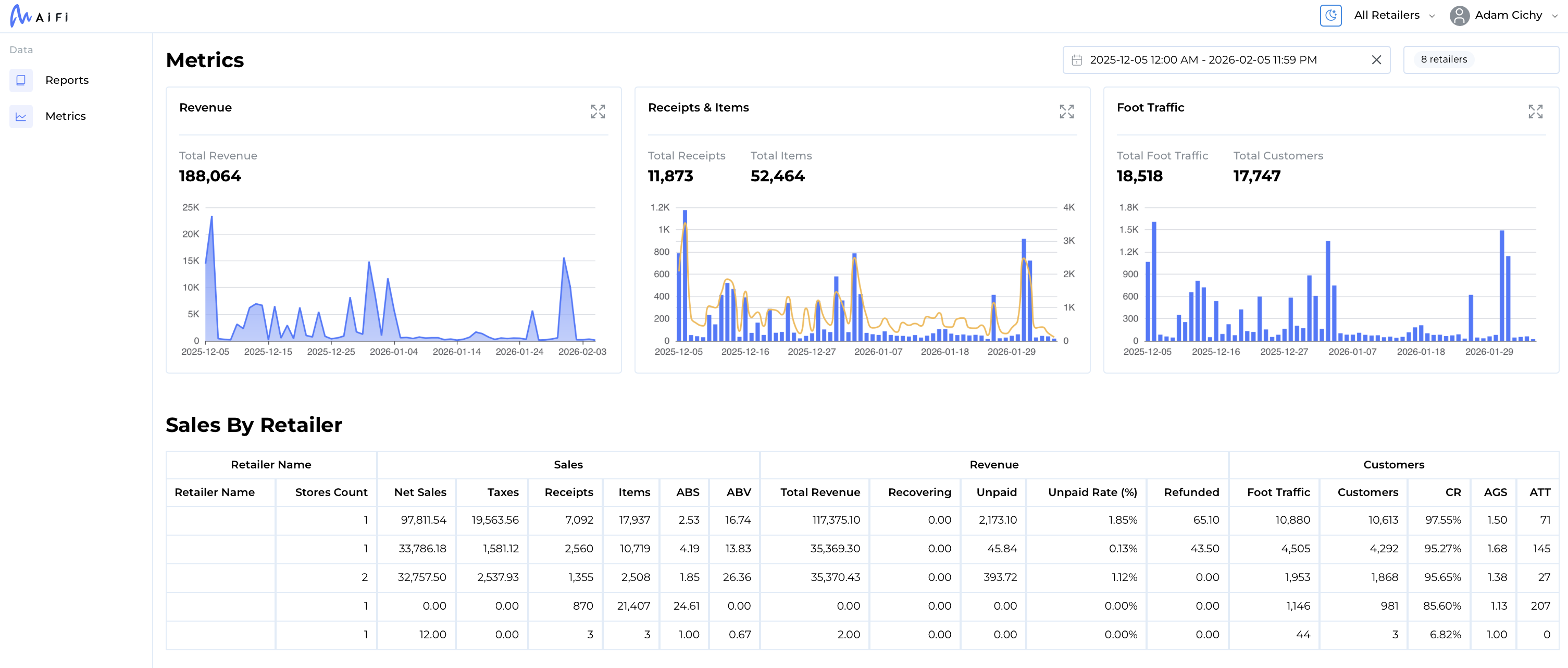
- Sales Over Time — Track revenue trends day-over-day, week-over-week, or month-over-month
- Receipts & Items Over Time — Monitor transaction volumes and items sold to understand purchasing patterns
- Foot Traffic Over Time — See how shopper and customer traffic evolves across your locations
- Sales by Retailer — A detailed comparison table with sales, revenue, and customer metrics for every organization
You can filter by specific retailers, set custom date ranges, choose your preferred time zone, and expand any chart to full screen for deeper analysis.
Reports
Generate and download detailed Excel reports spanning multiple organizations:
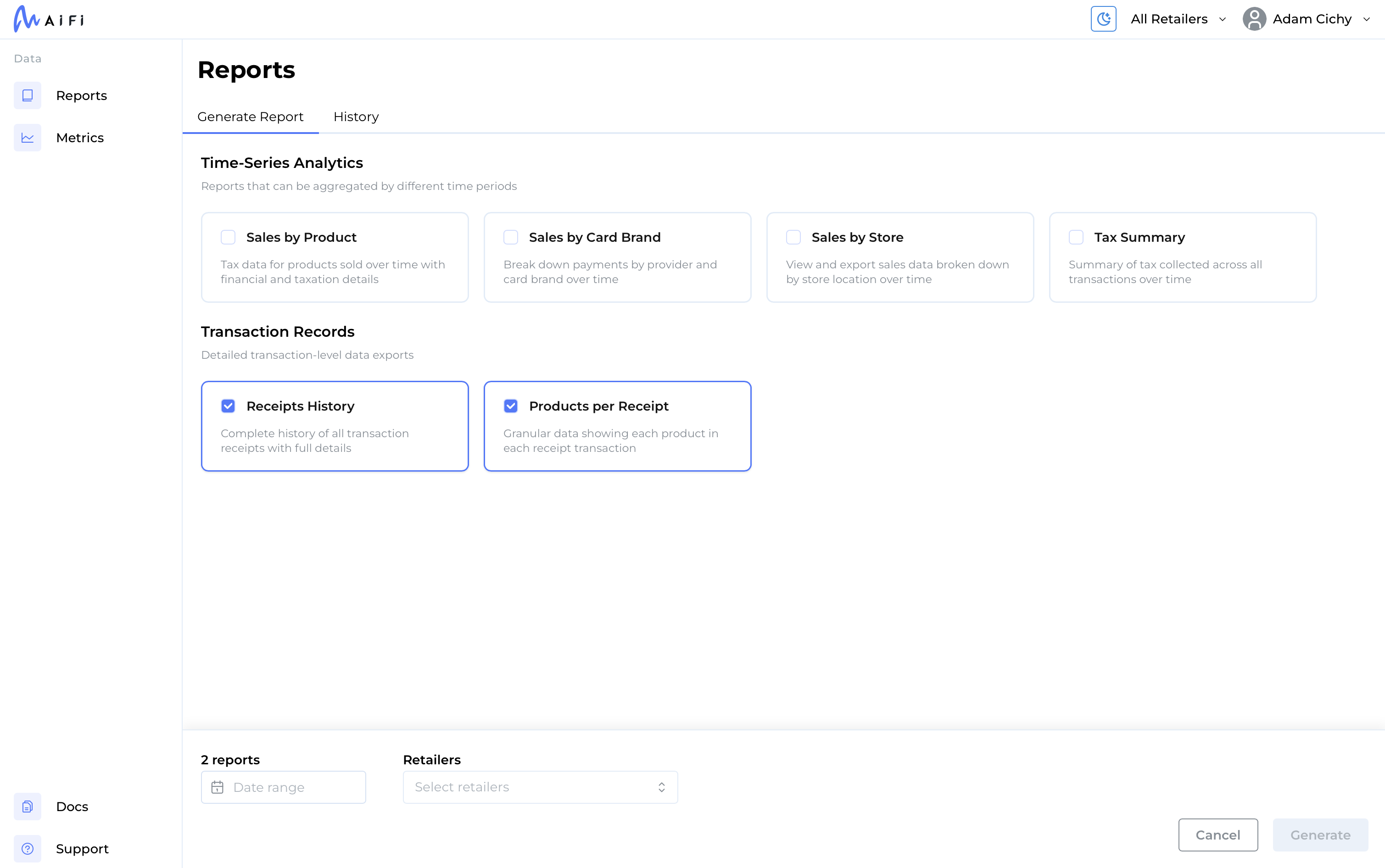
- Sales by Product — Financial and taxation details for products sold
- Sales by Card Brand — Payment breakdown by provider and card brand
- Sales by Store — Sales data by individual store location
- Tax Summary — Tax collected across all transactions
- Receipts History — Complete transaction receipt history
- Products per Receipt — Granular product-level data for each transaction
Select one or more report types, choose the organizations and date range, and click Generate. Reports are built in the background — track their progress in the History tab and download when ready.
🚀 Key Highlights
- Unified multi-retailer view — See all your organizations side by side without switching contexts
- Flexible filtering — Compare specific retailers or view the full portfolio
- Bulk report generation — Create multiple report types in a single request across any combination of organizations
- Report history — Re-download previously generated reports at any time
🔐 Access & Permissions
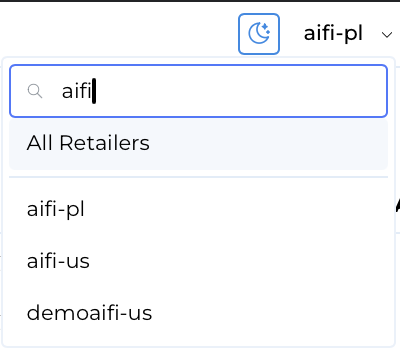
Enterprise View appears under All Retailers in the retailer navigation for users with more than one organization assigned.
- Metrics requires the Metrics View role
- Reports requires the Reports View role
If you don't see Enterprise View in your navigation, contact your administrator to request access.
📖 Learn More
For a detailed walkthrough of all available metrics and report types, visit the Enterprise View documentation.
💬 Need Help?
If you have questions or would like a walkthrough, reach out to your AiFi Client Operations Manager or contact us at product@aifi.com.
We're committed to making it easier for multi-organization operators to understand and act on their data — and Enterprise View is a big step in that direction. Stay tuned for more enhancements!